


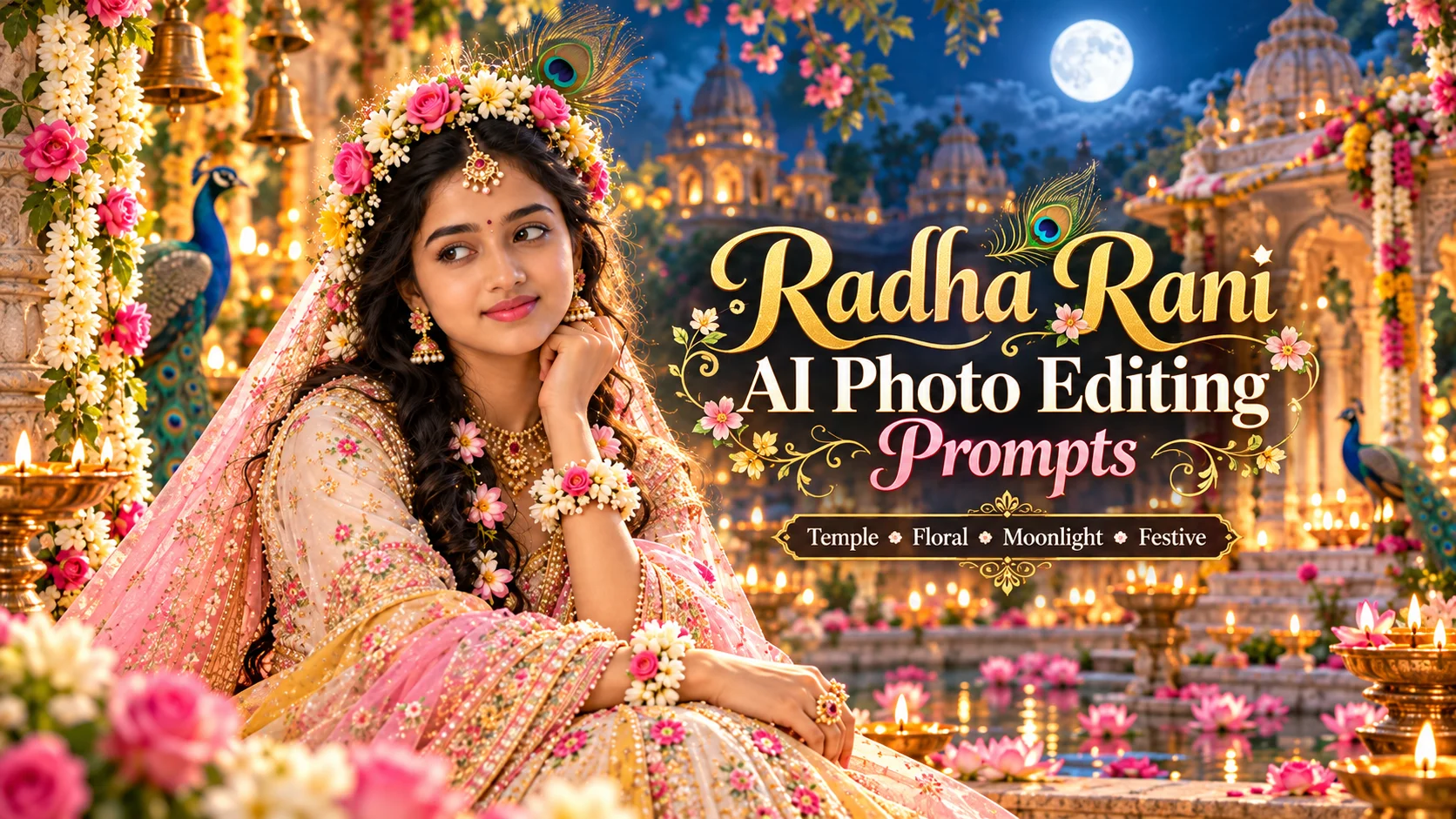
A Radha Rani beautiful photo editing prompt is used to turn a normal portrait into a soft devotional AI image with traditional Indian styling, floral details, peacock feather elements, temple lighting and a peaceful spiritual mood.
This type of Gemini photo edit is popular for Janmashtami, Radhashtami, festive status photos, Instagram posts and devotional profile pictures. The main goal is to create a graceful Radha Rani-inspired look while keeping the image respectful, realistic and culturally appropriate.
The mistake many people make is adding too much fantasy styling, heavy glamour or crowded background details. A good Radha Rani prompt should keep the portrait soft, modest and devotional. The outfit, flowers, peacock feather details and temple background should support the image, not make it look artificial.
Below are copy-ready Radha Rani photo editing prompts for Gemini and other AI photo editing tools.
1: Classic Radha Rani Vrindavan Portrait Prompt
Best for: Traditional devotional portrait, festival photo edit

Prompt:
Edit this photo into a beautiful Radha Rani-inspired devotional portrait. Keep the person’s natural facial features recognizable and realistic. Dress the subject in an elegant pastel pink and cream traditional lehenga with delicate golden embroidery, floral jewelry, soft dupatta styling and graceful traditional ornaments. Add a peaceful Vrindavan temple background with soft flowers, warm diya lights, subtle peacock feather details and gentle golden sunlight. The pose should be calm and graceful, with the face slightly turned and a peaceful devotional expression. Keep the image respectful, realistic, elegant and culturally appropriate. Do not add text, logo or watermark.
Recommended Aspect Ratio: 4:5 or 9:16
Customizable Elements: Lehenga color, flower type, temple background, lighting mood
Test Status: Not yet model-tested
2: Radha Rani Floral Garden Look Prompt
Best for: Soft flower-based devotional edit

Prompt:
Transform this image into a Radha Rani-inspired floral garden portrait. Keep the face natural and realistic. Style the subject with a soft traditional outfit in pink, white and golden tones, with floral accessories, gentle jewelry and a light dupatta. Place the subject in a beautiful garden filled with marigold, jasmine and rose flowers, with a soft Vrindavan-style atmosphere in the background. Add warm natural lighting, dreamy depth of field and a peaceful expression. The pose should be elegant, with one hand holding flowers and the face looking slightly downward in a calm devotional mood. Keep the image graceful, modest and respectful. No text, no logo and no watermark.
Recommended Aspect Ratio: 4:5
Customizable Elements: Flower colors, outfit shade, pose, garden background
Test Status: Not yet model-tested
3: Radha Rani Peacock Feather Portrait Prompt
Best for: Peacock feather theme, festive devotional portrait

Prompt:
Create a beautiful Radha Rani-inspired AI photo edit using this image. Preserve the person’s natural facial identity as much as possible. Add a traditional festive outfit with soft pink, yellow and gold color tones. Add elegant jewelry, floral hair decoration and a graceful dupatta. Include subtle peacock feather elements in the background and accessories without making the image too crowded. Use soft temple lighting, warm golden highlights, realistic skin texture and a peaceful devotional expression. The subject should be standing in a gentle side pose with eyes softly looking toward the camera. Keep the final image respectful, cinematic and realistic. Do not add any text, watermark or logo.
Recommended Aspect Ratio: 9:16
Customizable Elements: Peacock feather intensity, jewelry style, outfit color, face angle
Test Status: Not yet model-tested
4: Radha Rani Temple Light Portrait Prompt
Best for: Spiritual temple-style photo editing

Prompt:
Edit this photo into a graceful Radha Rani-inspired temple portrait. Keep the subject’s natural face realistic and recognizable. Dress the subject in a traditional Indian outfit with pastel pink, golden and ivory tones. Add soft floral jewelry, a delicate dupatta and elegant ornaments. Place the subject near a peaceful temple background with glowing diyas, soft bells, flower garlands and warm evening light. The pose should be composed and respectful, with the subject standing calmly and looking slightly to the side. Add cinematic depth, soft shadows and devotional atmosphere. Keep the image modest, graceful and culturally respectful. No text, no logo and no watermark.
Recommended Aspect Ratio: 4:5 or 9:16
Customizable Elements: Temple type, diya lighting, outfit shade, pose direction
Test Status: Not yet model-tested
5: Dreamy Radha Rani Moonlight Look Prompt
Best for: Soft dreamy devotional edit
Prompt:
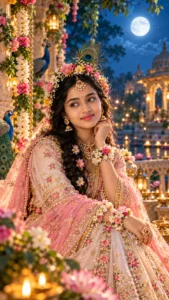
Turn this image into a dreamy Radha Rani-inspired moonlight portrait. Keep the person’s face natural and realistic. Style the subject in a graceful pastel traditional outfit with floral jewelry, soft dupatta and gentle golden details. Add a calm night garden background with moonlight, soft flowers, subtle peacock feather decoration and a peaceful Vrindavan-inspired atmosphere. The expression should be serene and devotional, with the face slightly tilted and eyes looking softly toward the side. Use cool blue moonlight mixed with warm golden highlights for a cinematic look. Keep the photo elegant, modest and respectful. No text, watermark or logo.
Recommended Aspect Ratio: 9:16
Customizable Elements: Moonlight color, flower type, pose, background depth
Test Status: Not yet model-tested
6: Radha Rani Festival Status Prompt
Best for: WhatsApp status, Instagram story, festive photo edit

Prompt:
Create a vertical Radha Rani-inspired festival photo edit from this image. Keep the natural face visible and realistic. Dress the subject in a beautiful traditional outfit with pink, yellow and golden tones, floral jewelry, soft makeup and a graceful dupatta. Add a festive devotional background with flowers, diyas, temple lights and subtle peacock feather details. The pose should be elegant and natural, with one hand holding flowers and the face showing a peaceful smile. Make the image bright, clean and suitable for WhatsApp status or Instagram story. Keep the style respectful and realistic. Do not add text, logo or watermark.
Recommended Aspect Ratio: 9:16
Customizable Elements: Status size, flower color, outfit style, smile intensity
Test Status: Not yet model-tested
How to Use These Radha Rani Gemini Prompts
Open Gemini and upload a clear portrait photo. The photo should show the face clearly and should not be too dark or blurry.
Copy one prompt from this article and paste it into Gemini with your uploaded image. If you want the image for Instagram post, use 4:5. If you want the image for WhatsApp status or Instagram story, use 9:16.
If the result changes the face too much, add this line:
Keep the original facial features natural and recognizable.
Best Customization Tips
Use soft traditional colors like pink, yellow, cream, white and gold. These colors match the Radha Rani devotional theme better than dark or modern fashion colors.
Keep peacock feather details subtle. Too many peacock feathers can make the image look crowded and artificial.
Use temple, garden, flower and Vrindavan-style backgrounds. These backgrounds support the devotional mood naturally.
Keep the pose modest and graceful. Avoid overly dramatic, glamorous or fashion-model style poses because this topic needs cultural respect.
Common Problems and Fixes
If the image looks too fake, add:
Make the result realistic, soft and not over-edited.
If the outfit looks too modern, add:
Use traditional Indian devotional outfit styling with modest design.
If the background is too crowded, add:
Keep the background clean with soft blur and simple temple or garden elements.
If the image does not look respectful, add:
Keep the edit graceful, modest, devotional and culturally respectful.
Frequently Asked Questions
Can I use these prompts in Gemini?
Yes, these prompts are written for Gemini-style AI photo editing. You can upload a photo and paste any prompt from this article.
Can I use these prompts for Janmashtami or Radhashtami edits?
Yes, these prompts can work for Janmashtami, Radhashtami, devotional festival edits and Radha Rani-inspired status photos.
Will Gemini keep my original face?
Gemini can try to keep the face natural, but results may vary. Use a clear photo and add “keep the original facial features natural and recognizable” if needed.
What image size is best for social media?
Use 4:5 for Instagram posts and 9:16 for Instagram stories or WhatsApp status.
Should I add text inside the AI image?
No, it is better to avoid AI-generated text inside the image. Add text later in Canva, Instagram or another editing app.
Which category should I select in WordPress?
Select Festival AI Prompts because the main topic is devotional and festival-based Radha Rani photo editing.
Final Words
Radha Rani beautiful photo editing prompts work best when the result stays soft, devotional and respectful. The strongest images usually include traditional outfit styling, flowers, peacock feather accents, temple lighting and a peaceful expression.
